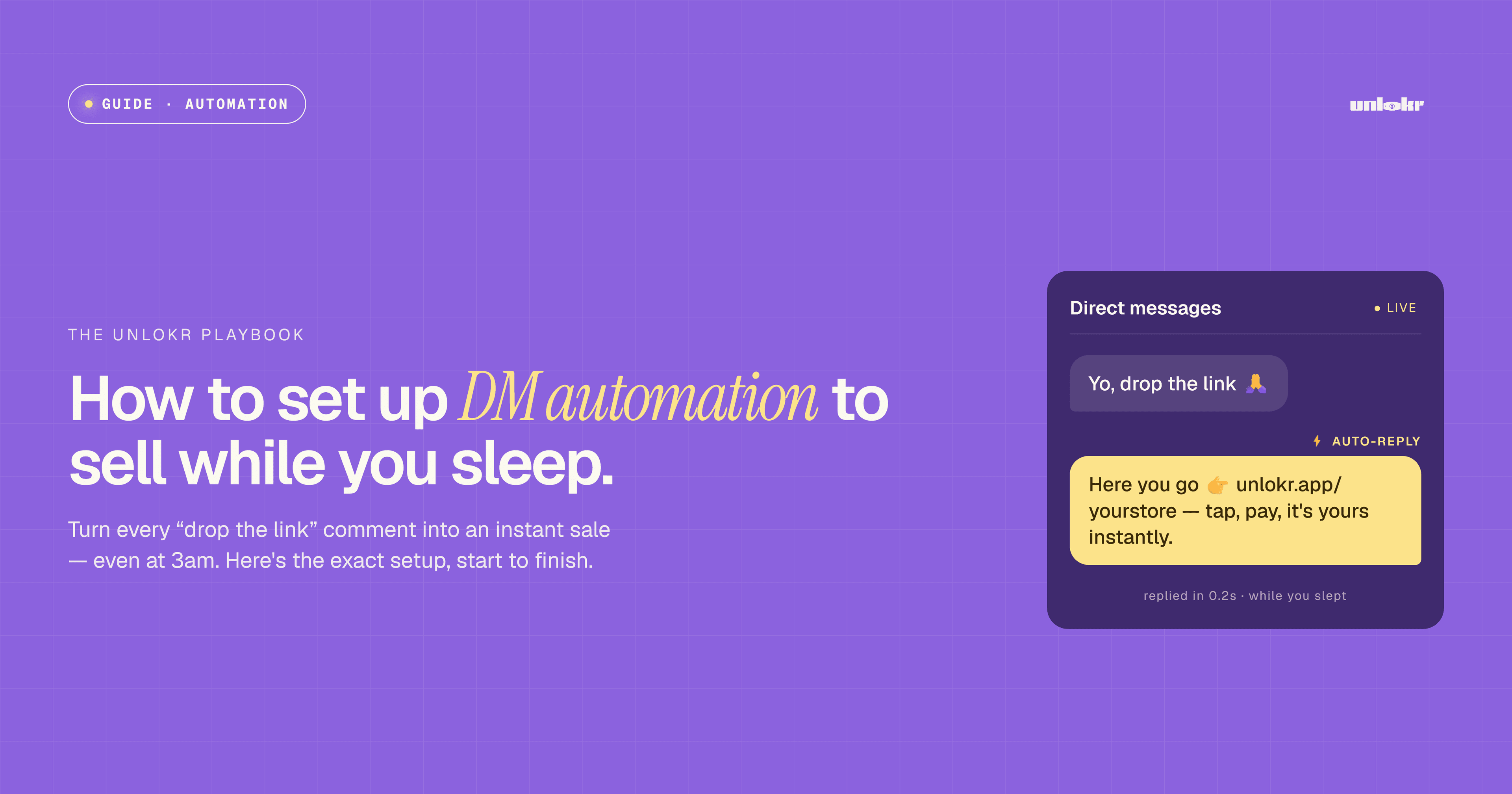
Your DMs are where buyers already raise their hands. Someone comments "price?" or "how do I get this?" — and if you reply six hours later, the sale is gone. DM automation closes that gap. It replies instantly, sends the buyer a pay-to-unlock link, and delivers the file the moment they pay, around the clock.
This guide walks you through setting up AutoDM on Unlokr from scratch.
What DM automation actually does
A good automation handles three jobs without you lifting a finger:
- Listens for a trigger — a keyword in a comment or a direct message.
- Replies instantly with your product link and a short message.
- Delivers the file automatically once the buyer completes payment.
Before you start
Make sure you have these ready:
- An Unlokr account with at least one product uploaded and priced.
- The social account you want to connect — Instagram or WhatsApp.
- A clear idea of the keyword buyers will use, such as "PRICE", "GUIDE", or your product name.
Step 1: Connect your social account
Open the AutoDM tab in your Unlokr dashboard and connect the channel you sell on. Authorize the connection when prompted. This lets Unlokr read incoming messages and reply on your behalf — it never posts to your feed or messages people you haven't interacted with.
Step 2: Choose your trigger
A trigger is the word or phrase that starts the automation. Keep it short, obvious, and easy to type.
- Good triggers: PRICE, GUIDE, LINK, MEALPLAN
- Weak triggers: long phrases, or common words you use in normal conversation
Step 3: Write your reply
This is the message the buyer receives instantly. Keep it warm, specific, and end with the link.
A simple template that converts:
"Hey! Thanks for reaching out 🙌 Here's the link to grab [product name] — you'll get it instantly after payment: [your Unlokr link]. Any questions, just reply here!"
Personalize the tone to match how you normally talk to your audience. People can tell when a message sounds like a robot.
Step 4: Attach the product and turn on auto-delivery
Link the reply to the Unlokr product you want to sell. Turn on auto-delivery so the file is released the second payment clears. The buyer never waits, and you never touch the transaction.
Step 5: Test it yourself
Before you promote it, test the full flow with a second account or a friend:
- Send the trigger word.
- Confirm the reply arrives instantly with the correct link.
- Make a real (or test) payment.
- Confirm the file is delivered automatically.
Tips to get more sales from your DMs
- Tell people the keyword. End your posts and videos with a clear call to action: "Comment PRICE and I'll send you the link."
- Reply fast even when automated. Instant beats perfect. The whole point is speed.
- Keep the link clean. One product, one link, one decision.
- Follow up. For buyers who clicked but didn't pay, a gentle second message often recovers the sale.
Why this matters for creators in emerging markets
If your audience lives in your DMs and on WhatsApp — not on a storefront — automation meets them where they already are. You capture demand the moment it appears, take card or crypto payments, and get paid out fast, without duct-taping five different tools together.
Set it up once, and your DMs sell for you while you sleep.